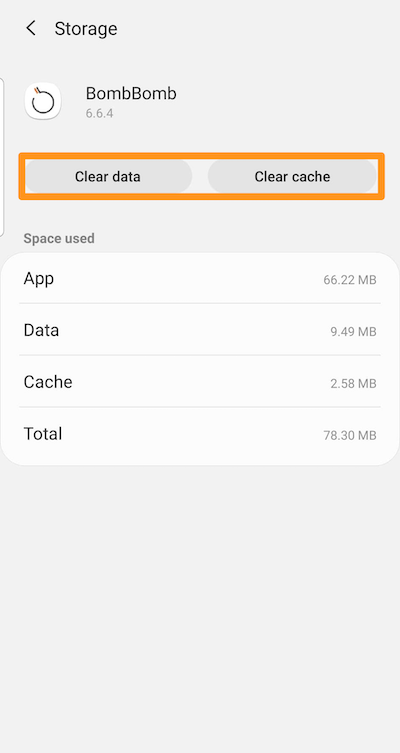
Watch this video, or read the step-by-step instructions below to learn how to clear your cache and data on an Android. Every phone is a little different, so the steps you need to take may vary!
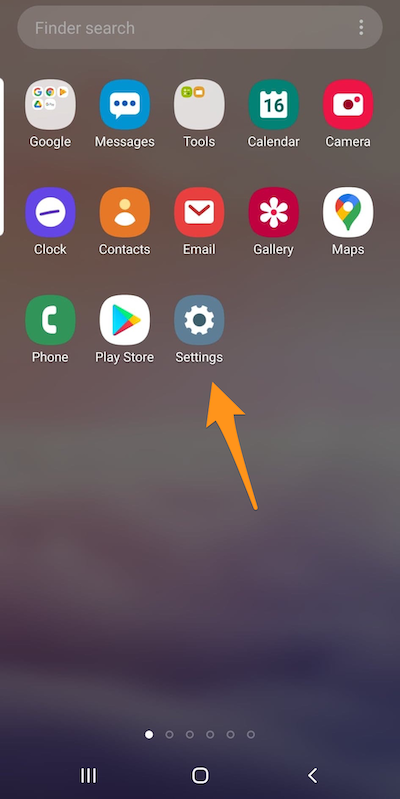
Step 1: To clear your cache, click on the Settings icon.
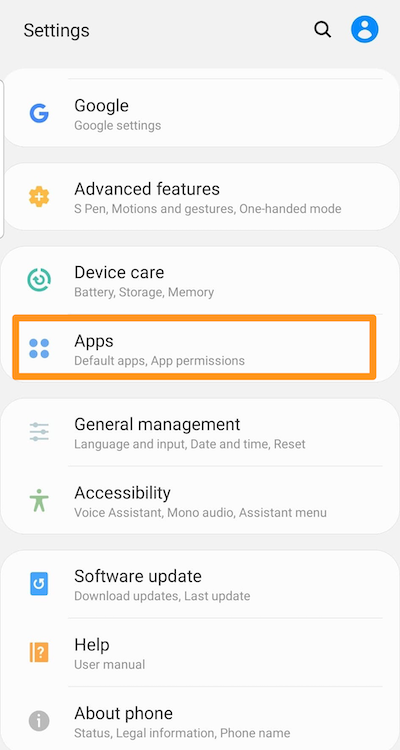
Step 2: Select "Apps."
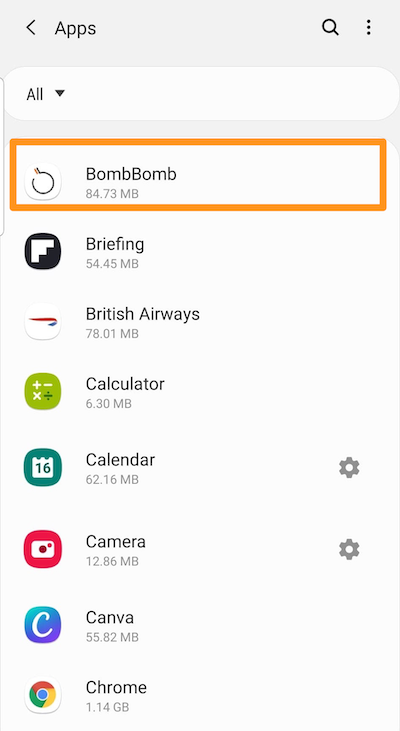
Step 3: Select "BombBomb."
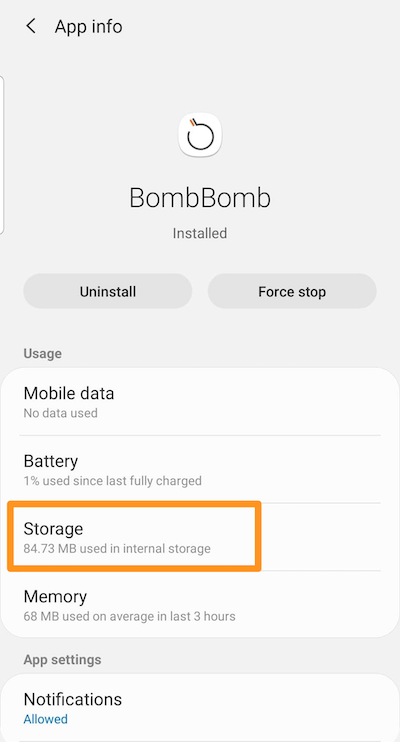
Step 4: Select "Storage."
Step 5: Click "Clear cache," then click "Clear data."